L o a d i n g
Case Study

Minapsys

Case Study Minapsys

Minapsys Software is a proprietary program designed to enhance communication and learning by guiding stakeholders through thoughtful, relevant questions. Participants respond anonymously within set limits, then review insights, discuss outcomes, and rate responses. This process fosters critical thinking, reinforces learning, and serves as an effective competency assessment tool.


I contributed to the end-to-end UI/UX design of the Minapsys web application—from initial research and concepting to high-fidelity designs, development collaboration, and testing.


This case study is from an older project, and the company may no longer be active. I’m sharing what I still have, as the original design files were not preserved over time.

Role:
UI/UX Designer & Front-End Web Developer
Tools:
Photoshop, Illustrator, Sublime Text, GitHub, Mandrill
Timeline:
6 months
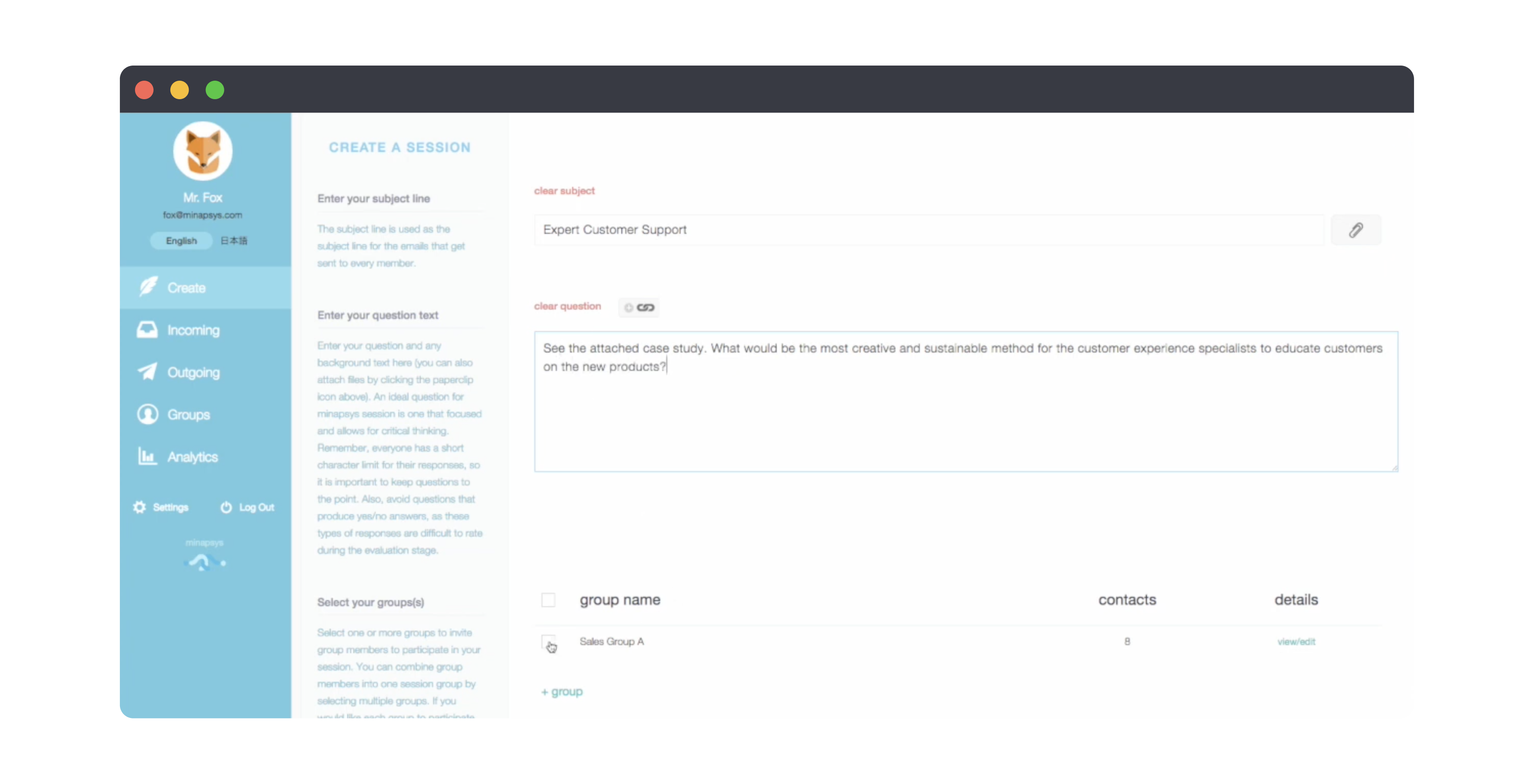
The Minapsys web app Create a Session screen, with navigation, guidance text and a question form

1

The Challenge

Stakeholders needed a structured way to communicate and learn effectively. The platform had to:
  • Deliver a clear, guided experience through relevant questions.

  • Support multiple user roles and permissions.

  • Maintain engagement while ensuring usability across devices.
2

Research & Discovery

  • Conducted stakeholder interviews to identify pain points in communication and learning.

  • Defined core user goals: clarity, engagement, and actionable insights.

3

Design Goals

  • Guide users through a logical, adaptive flow of questions and interactions.

  • Establish a consistent structure that accommodates different user roles and permissions.

  • Create an intuitive, engaging interface that reinforces the learning and communication objectives.

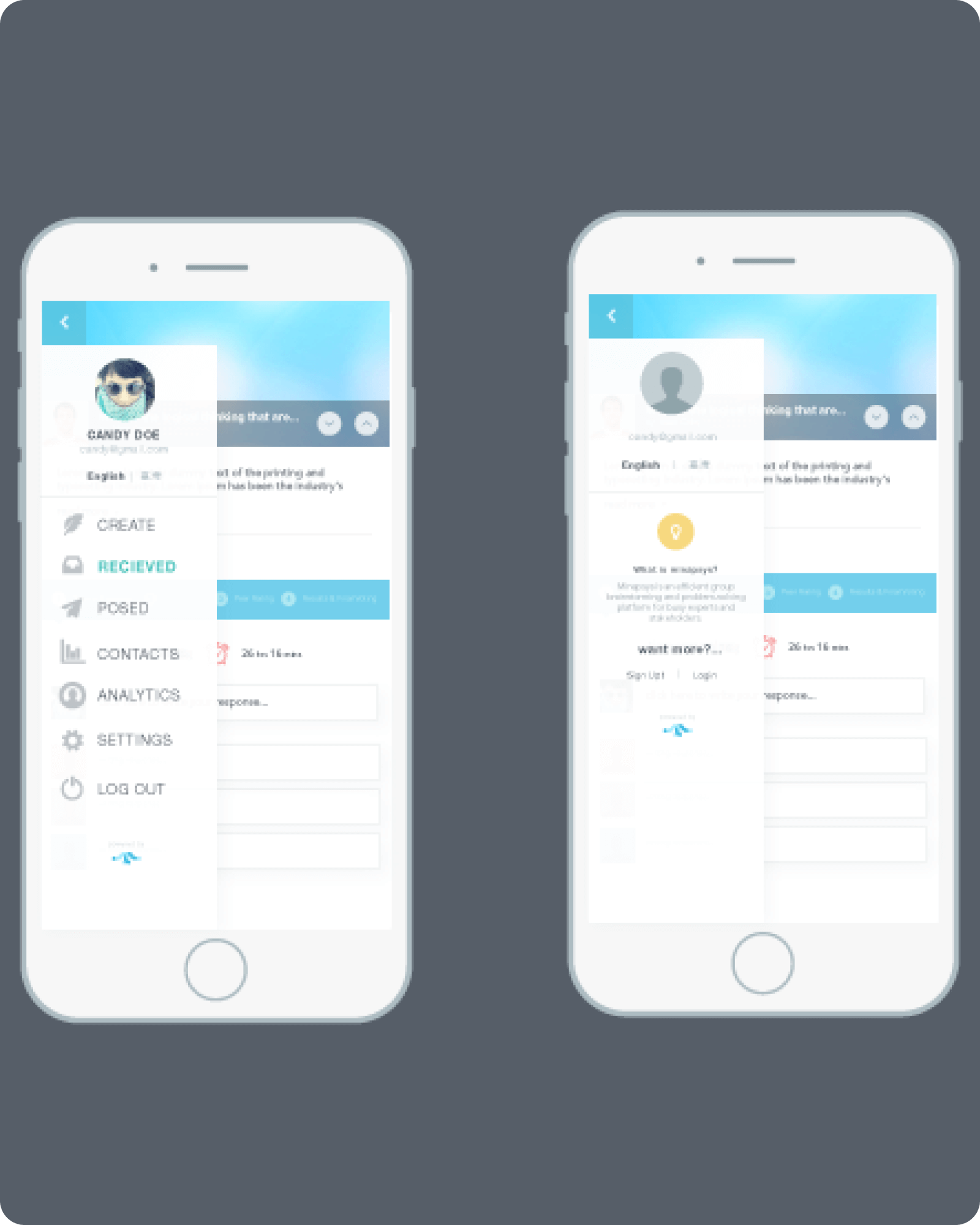
Two mobile screens of the Minapsys app showing the slide-out navigation menu and an introductory panel

4

Wireframes & Visual Design

  • Developed wireframes and high-fidelity prototypes emphasizing clarity, intuitive navigation, and usability.

  • Crafted visual components that balanced professionalism with accessibility.

5

Development & Testing

  • Collaborated closely with other developers to ensure designs were feasible, consistent, and easy to implement.

  • Iterated on UI components and flows based on stakeholder and usability feedback.

  • Refined interactions and visuals to optimize cross-device compatibility and overall user experience.

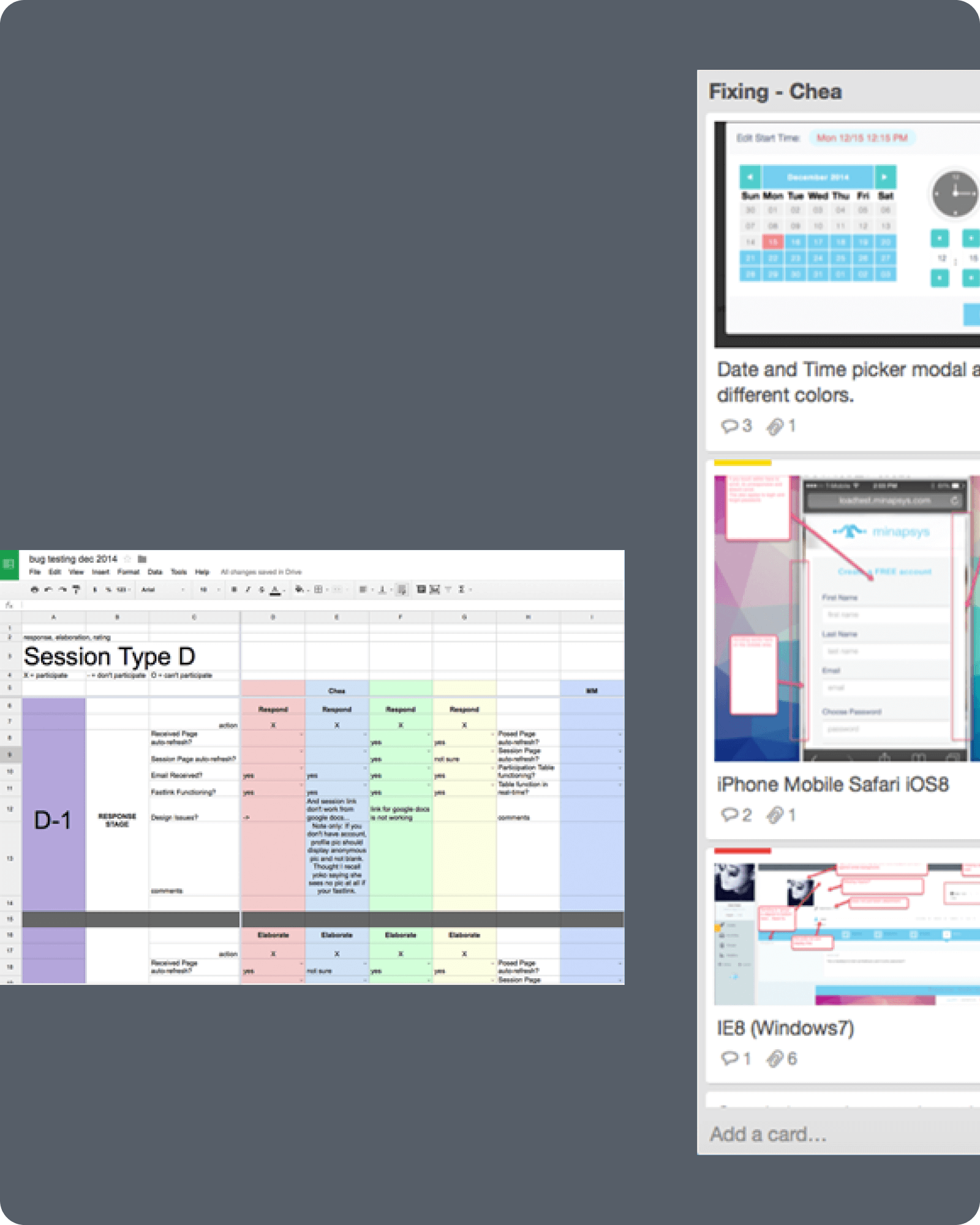
Project bug tracking: a test-matrix spreadsheet alongside a Trello board of browser and device issues
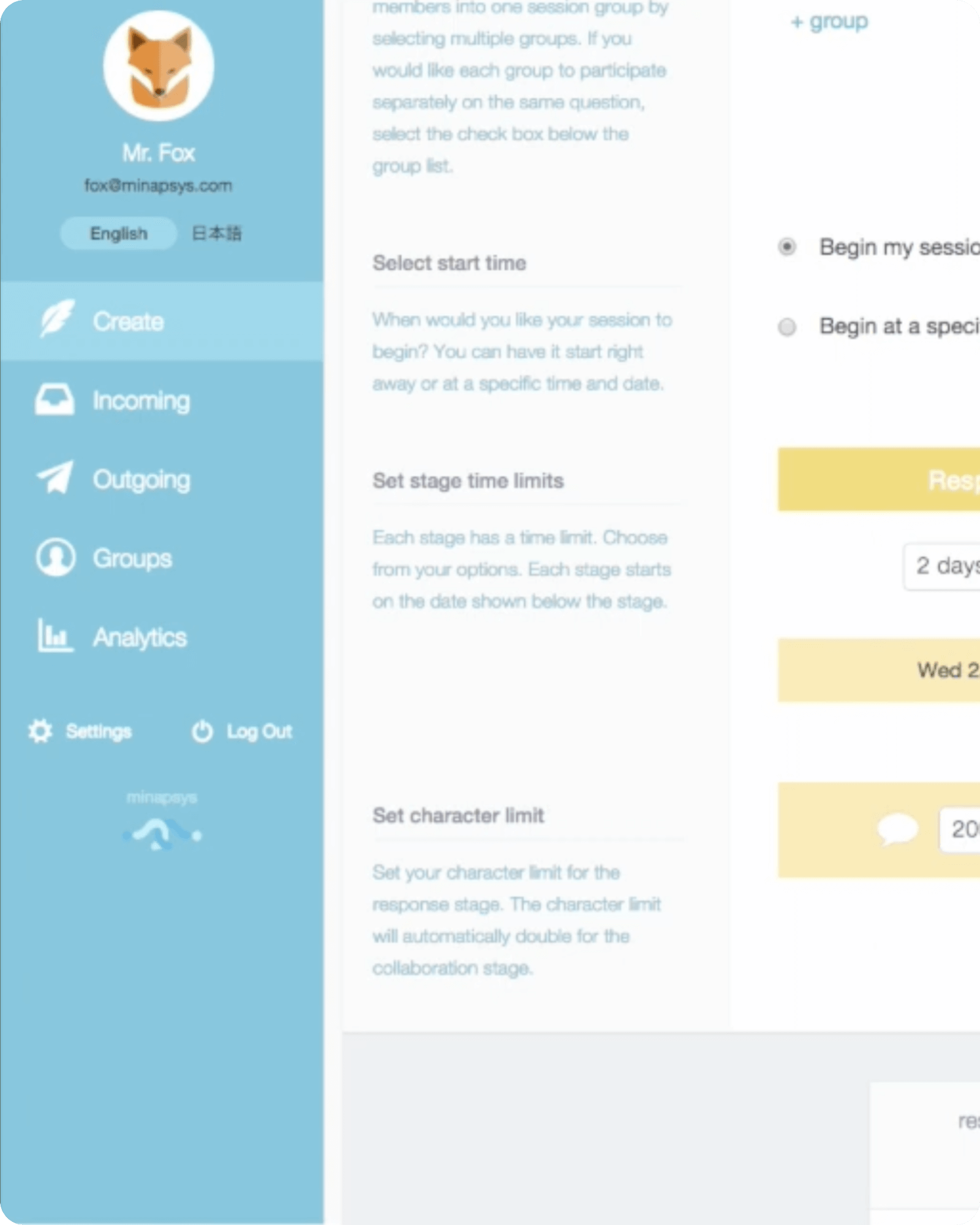
Detail of the Create a Session screen, showing start time, stage time limit and character limit settings

6

Final Solution

  • A polished web application that empowers users to engage meaningfully.

  • Intuitive, consistent UI supporting structured guidance and actionable insights.

  • Improved stakeholder experience, making communication and learning more effective and seamless.

Impact & Reflection

Outcomes
  • A clear, intuitive flow that supported guided learning from the first interaction.

  • A consistent experience across the platform’s different user roles and permission levels.

Learnings
  • Ongoing iteration and real user feedback are what shape a product that genuinely works for its audience.

  • Balancing strong design decisions against real development constraints is what makes a product both look right and perform reliably.